Setup guides, emulator comparisons, and hardware advice for playing classic games on PC, from choosing a controller to backing up the games you own.
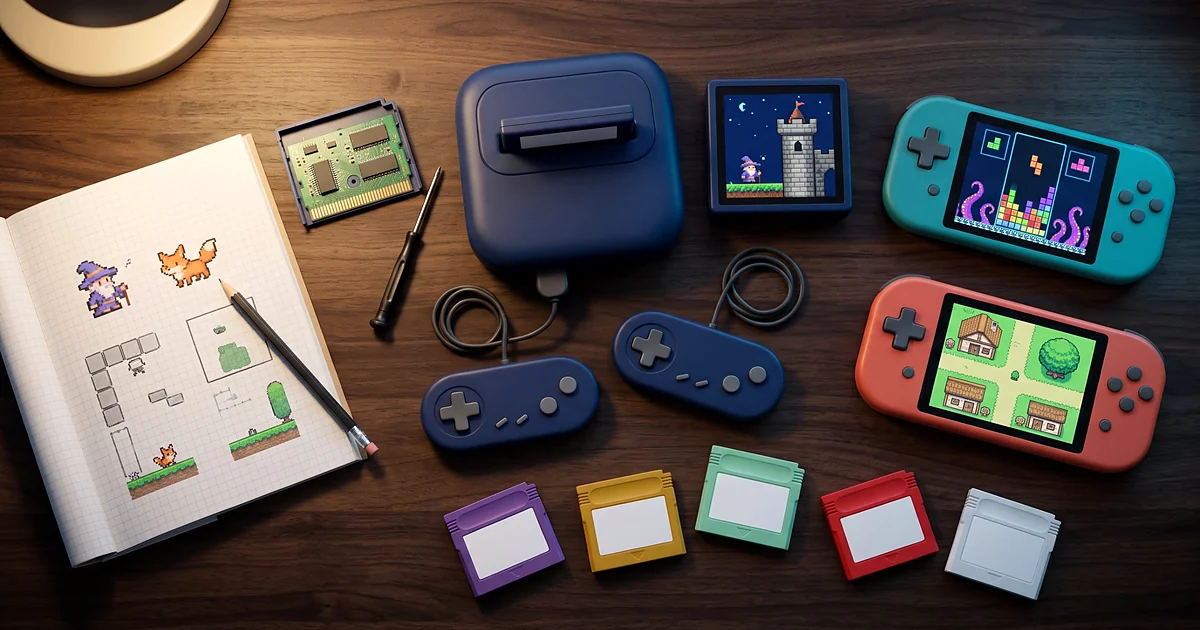
Best Homebrew Games for Retro Consoles: Original Games Worth Playing Nintendo stopped making the NES in the mid-1990s, yet fresh
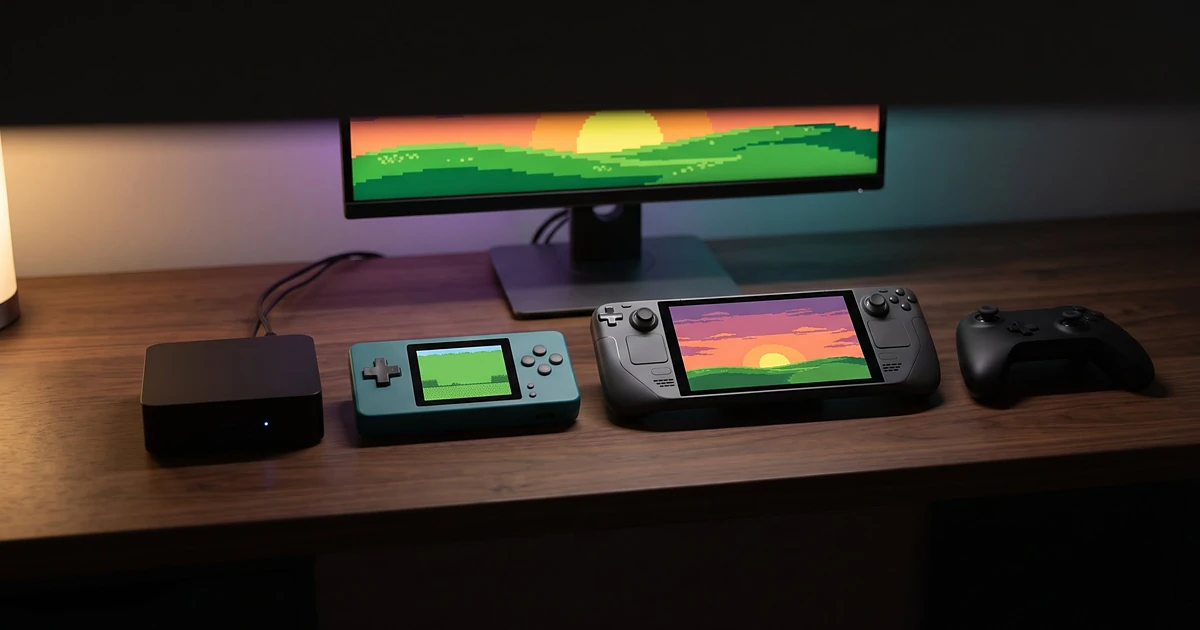
How to Build a Budget Retro Gaming Setup: Mini PCs and Handhelds Classic games demand less of modern hardware. A
Best Retro Games You Can Play Legally Without Emulators In 2026, playing an old game might mean finding the right
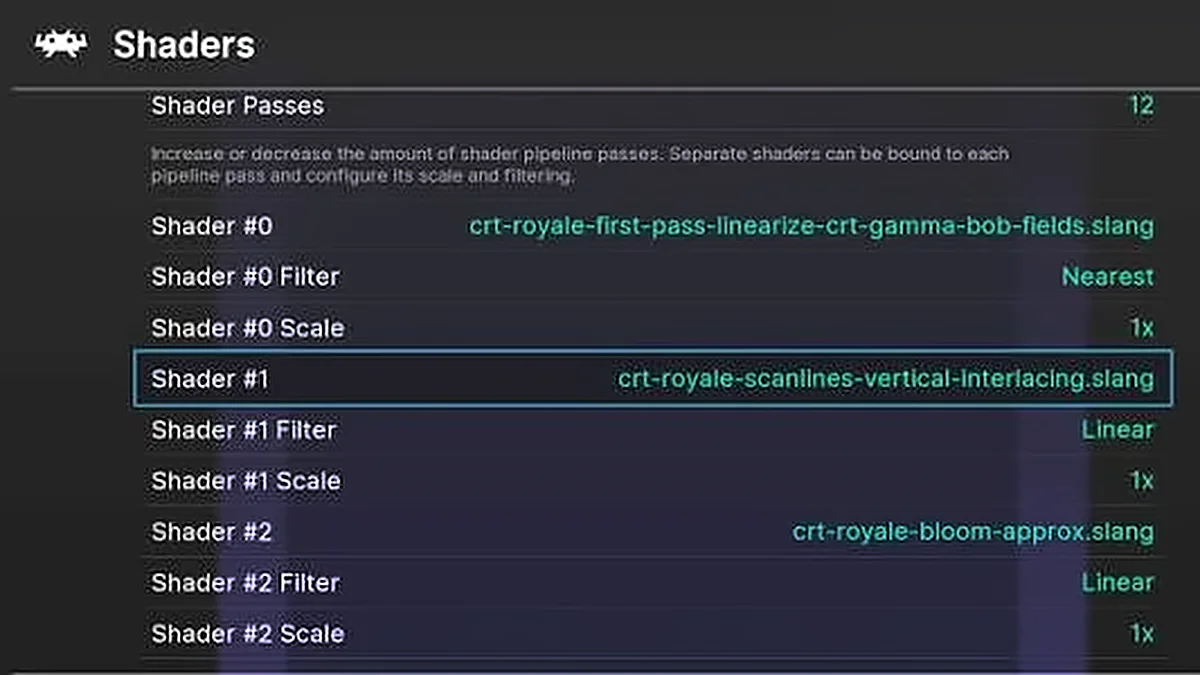
How to Use Save States and Shaders in Emulators: A Beginner’s Guide Two emulator features change the experience of old
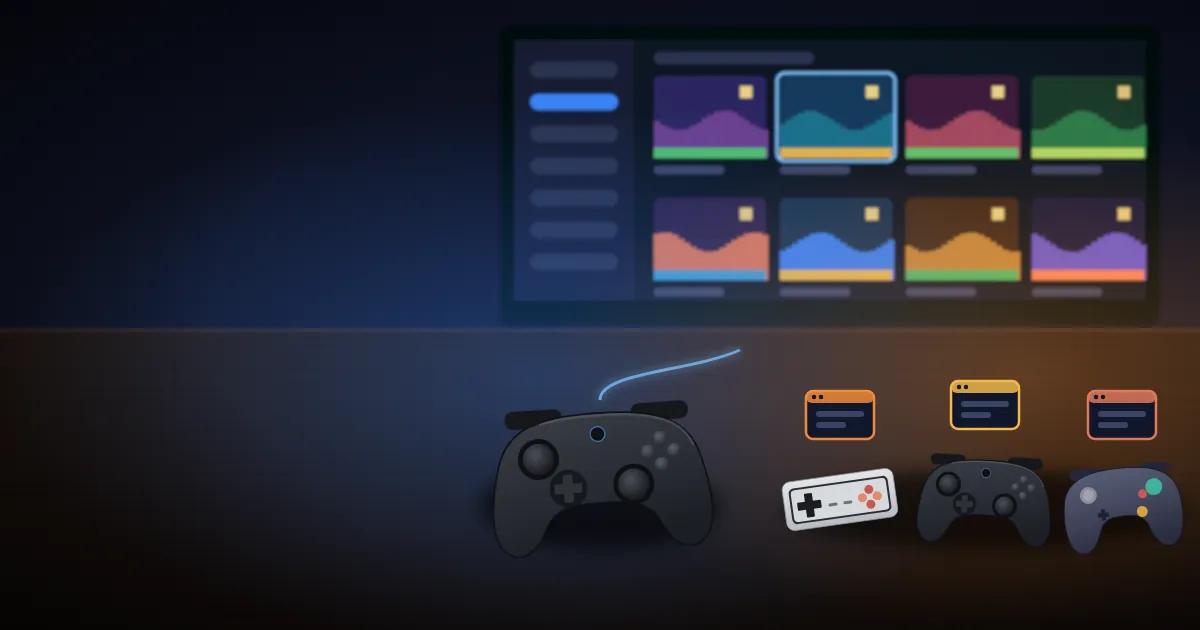
So how do you go about setting up emulation on a Windows PC? Should you install RetroArch and its cores,
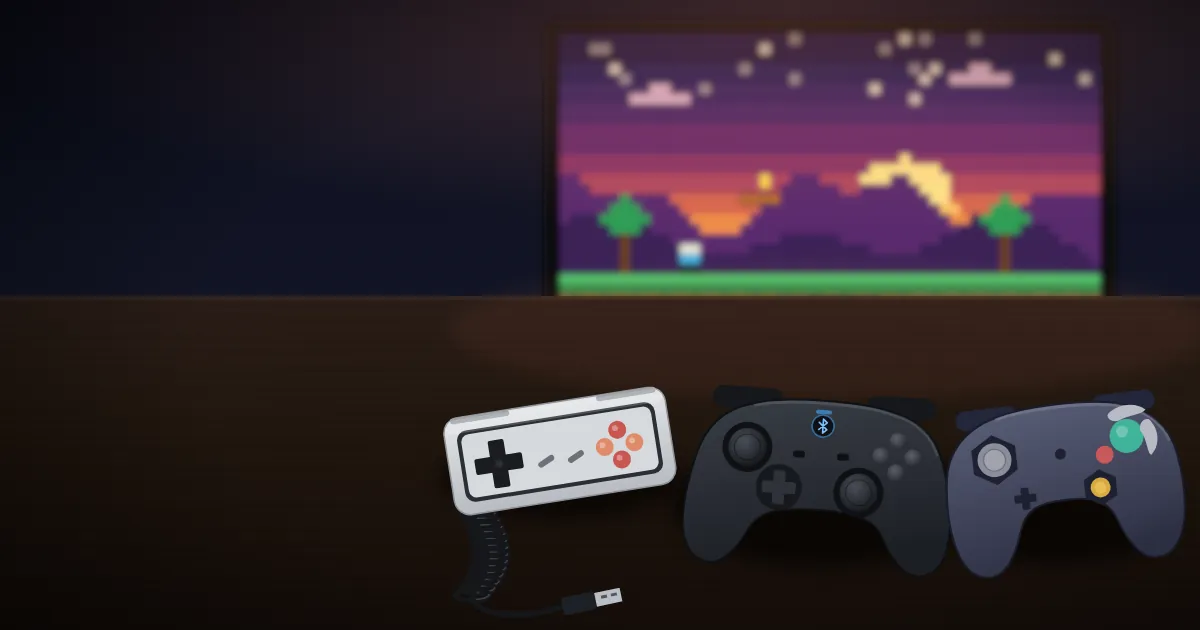
Best Controllers for Emulation: USB, Bluetooth & Retro The best controllers for emulation are not necessarily the newest or the
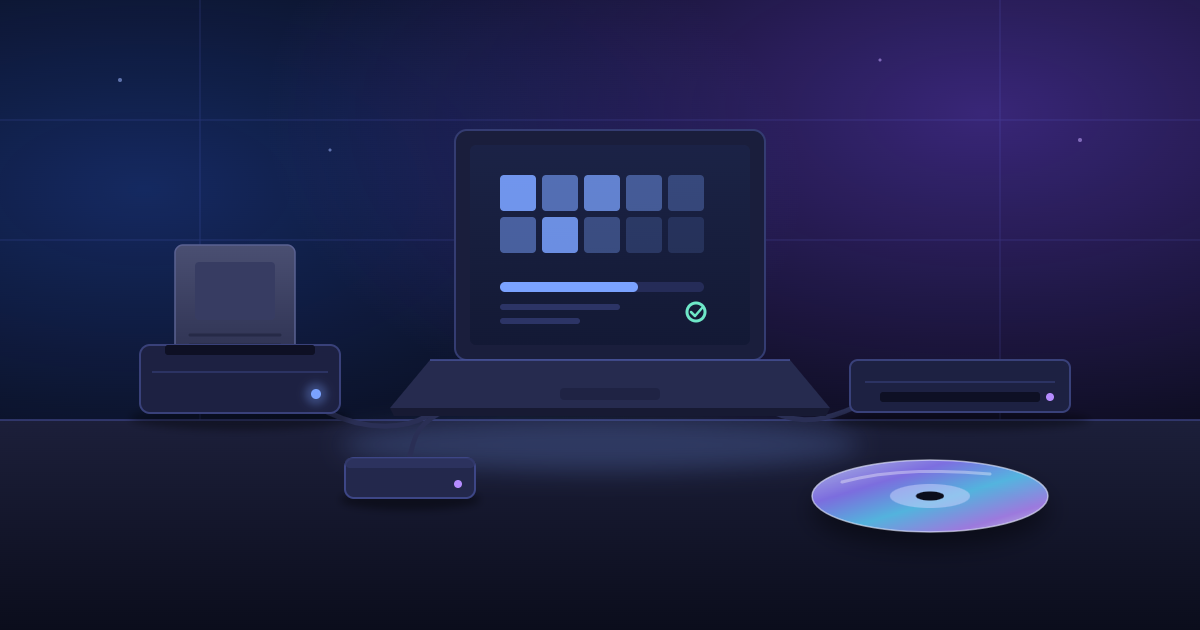
Game cartridges were made to last, but not forever. Batteries wear out, contacts corrode, and circuit boards age. Discs have